Caching Strategy
How Redenv's stale-while-revalidate caching dramatically reduces Redis load while keeping secrets fresh.
Every secret request doesn't need to hit Redis. Redenv SDKs implement a stale-while-revalidate (SWR) caching strategy that delivers instant responses, reduces costs, and improves resilience — all while keeping your secrets eventually consistent.
Info
With default settings, 10,000 concurrent users result in ~1 Redis request instead of 10,000. Secrets are served instantly from memory, with background refreshes keeping data fresh.
Why Caching Matters#
Without caching, every redenv.load() call would:
- Make an HTTP request to Upstash Redis
- Decrypt the PEK (if not cached)
- Fetch and decrypt all secrets
- Block your application until complete
With caching, subsequent calls return instantly from memory.
The Impact at Scale#
Without Caching#
Every application instance, every request, every user hits Redis:
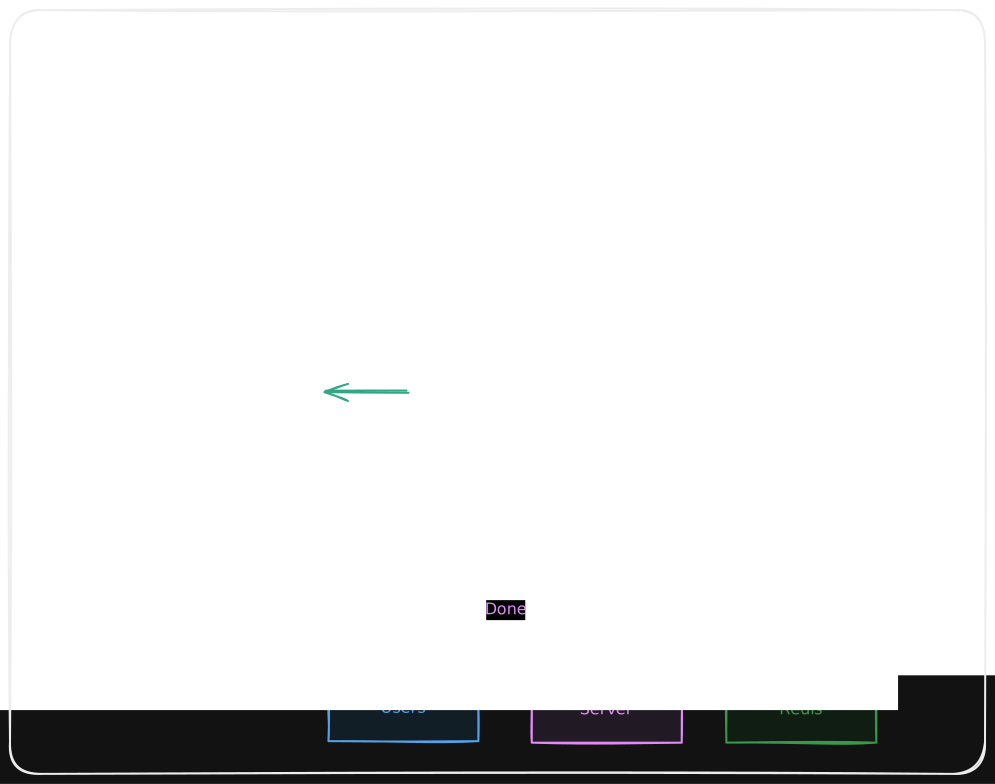
Result: Linear cost growth, potential rate limiting.
With Caching (Default)#
After the initial fetch, secrets are served from memory:
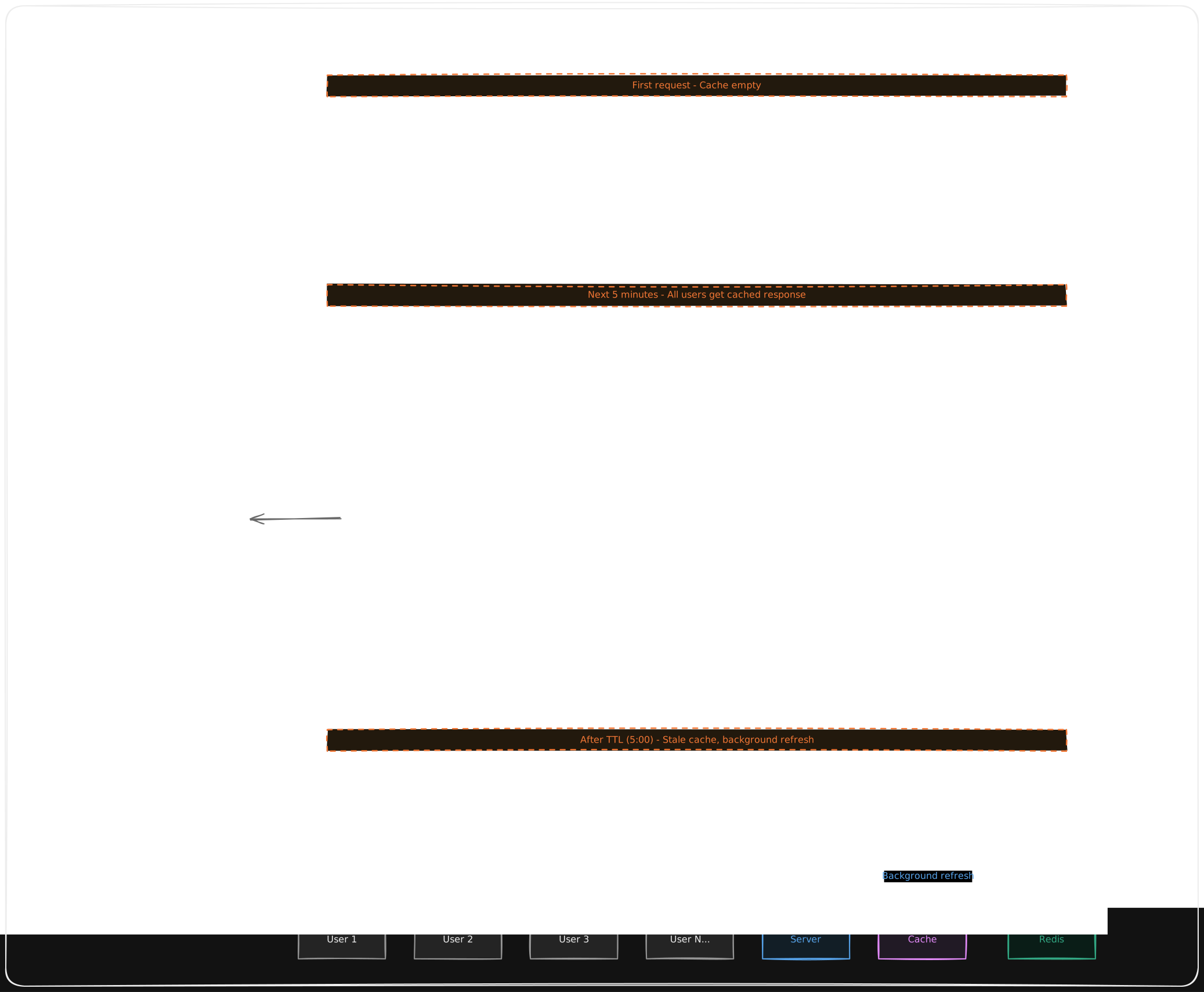
Result: O(instances), not O(users). 99.9%+ cache hit rate.
Tip
Each application instance maintains its own in-memory cache. Redis requests scale with instance count, not user count.
How Stale-While-Revalidate Works#
SWR divides cache lifetime into three phases:
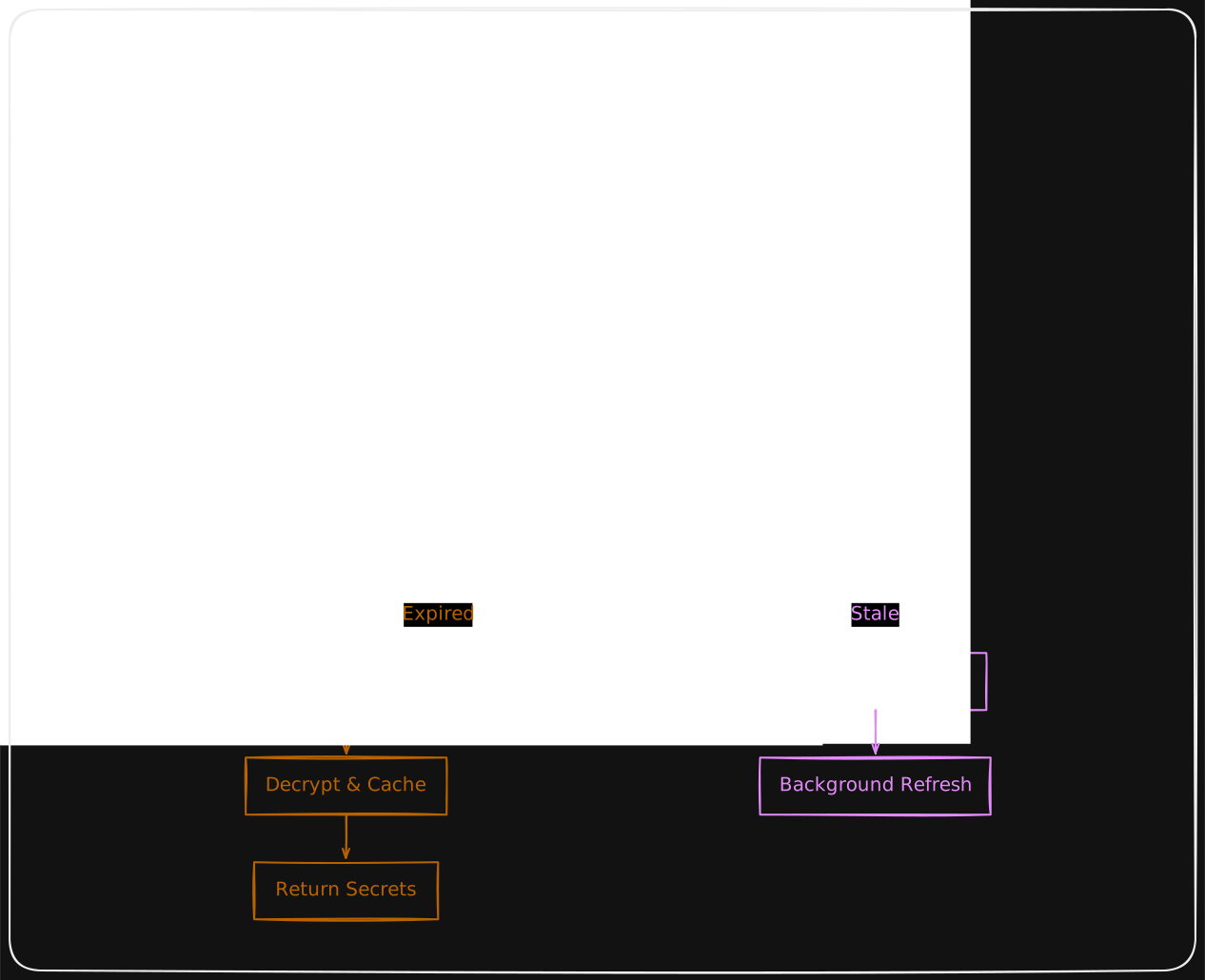
The Three States#
| State | Age | Behavior | Latency |
|---|---|---|---|
| Fresh | < TTL | Served instantly, no network activity | ~0ms |
| Stale | TTL < age < SWR | Served instantly, background refresh triggered | ~0ms |
| Expired | > SWR | Must wait for fresh fetch | 50-200ms |
Configuration#
Both JavaScript and Python SDKs support the same caching options:
const redenv = new Redenv({
  // ...credentials
  cache: {
    ttl: 300, // Fresh for 5 minutes (default)
    swr: 86400, // Serve stale for 1 day (default)
  },
});
redenv = Redenv({
# ...credentials
"cache"={
"ttl"=300, # Fresh for 5 minutes
"swr"=86400, # Serve stale for 1 day
}
})Recommended Settings by Use Case#
| Use Case | TTL | SWR | Why |
|---|---|---|---|
| General (default) | 5 min | 1 day | Balance freshness and performance |
| High-frequency updates | 10 sec | 1 min | Feature flags, A/B tests |
| Stable secrets | 1 hour | 1 day | API keys, database URLs |
| Serverless (cold starts) | 30 sec | 5 min | Shorter windows for ephemeral instances |
| Development | 5 sec | 30 sec | See changes quickly |
Real-World Scenarios#
Scenario 1: API Server (100 RPS)#
A Node.js API server handling 100 requests per second:
Without caching:
  100 RPS × 60 sec × 60 min = 360,000 Redis requests/hour

With caching (5 min TTL):
  12 Redis requests/hour (one per TTL window)

Reduction: 99.997%
Scenario 2: Serverless Functions (Vercel/Lambda)#
10 serverless instances, each handling bursts of traffic:
Cold start behavior:
  - First invocation: Fetches from Redis (~100ms)
  - Warm invocations: Cache hit (~0ms)

With 50 cold starts/hour × 10 instances:
  500 Redis requests/hour (worst case)

Warm instance benefit:
  99%+ of requests served from cache
Scenario 3: Microservices (50 Services)#
50 microservices, each running 3 replicas:
Total instances: 150

Without caching:
  Every service call hits Redis

With caching (5 min TTL):
  150 instances × 12 refreshes/hour = 1,800 requests/hour

Per service: ~36 requests/hour regardless of traffic
Cache Architecture#
In-Memory LRU Cache#
Each application process maintains its own LRU (Least Recently Used) cache:
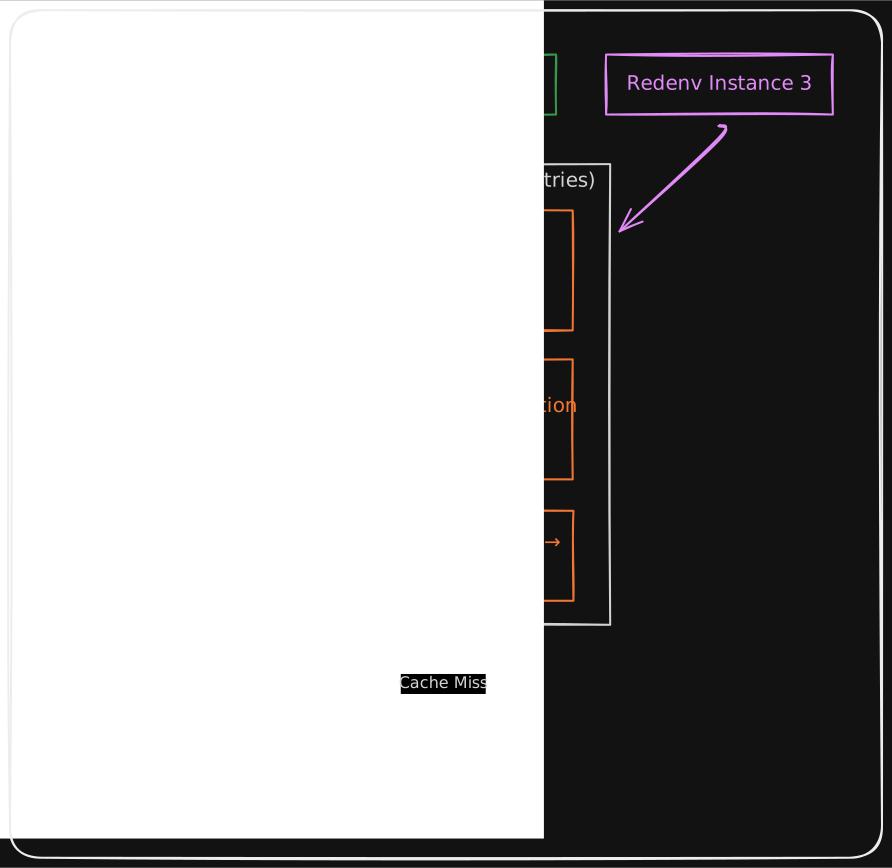
Key points:
- Cache lives in application memory (RAM)
- Max 1000 entries — LRU evicts oldest when full
- Cache key =
redenv:{project}:{environment}
Info
Different processes don't share cache. If you run 3 apps on ports 3000,
3001, 3002 — each has its own cache. Cache is only shared within the same
node app.js process.
Cache Invalidation#
The cache is automatically cleared when you write secrets:
// This clears the cache for this project/environment
await redenv.set("API_KEY", "new-value");

// Next load fetches fresh data
const secrets = await redenv.load(); // Fresh fetch
Info
Cache invalidation is local to the instance that wrote the secret. Other instances will see the update when their cache expires or refreshes.
Resilience Benefits#
SWR caching provides fault tolerance. When Redis has issues, your app keeps working:
| Scenario | Without Caching | With SWR |
|---|---|---|
| Redis down 2 min | All requests fail | Stale data served |
| Latency spike 500ms | Every request delayed | 99%+ served in ~0ms |
| Network blip | Errors propagate | Transparent to users |
Background refresh retries automatically when Redis recovers.
Monitoring & Debugging#
Enable verbose logging to observe cache behavior:
const redenv = new Redenv({
  log: "high", // Show cache hits/misses
});
Output examples:
[REDENV] Cache HIT (fresh): redenv:my-app:production
[REDENV] Cache HIT (stale): redenv:my-app:production - triggering background refresh
[REDENV] Cache MISS: redenv:my-app:staging - fetching from Redis
[REDENV] Background refresh complete: redenv:my-app:production
Best Practices#
1. Use Appropriate TTL for Your Use Case#
// Feature flags that change often
cache: { ttl: 10, swr: 60 }

// Stable database credentials
cache: { ttl: 3600, swr: 86400 }
See Recommended Settings by Use Case for more examples.
2. Single Instance Pattern#
Create one Redenv instance and share it:
// lib/redenv.ts
export const redenv = new Redenv({ ... });

// Everywhere else
import { redenv } from "./lib/redenv";
3. Initialize Early#
Load secrets at application startup:
// server.ts
import { redenv } from "./lib/redenv";

// Load once at startup
const secrets = await redenv.load();

// Use throughout application lifecycle
app.listen(secrets.get("PORT", 3000).toInt());
4. Don't Disable Caching#
There's rarely a good reason to disable caching. Even a 1-second TTL provides significant benefits.
Comparison with Other Approaches#
| Approach | Latency | Redis Load | Freshness | Resilience |
|---|---|---|---|---|
| No caching | 50-200ms | High | Always fresh | Poor |
| TTL-only caching | 0ms or 50ms+ | Low | Eventual | Moderate |
| SWR caching (Redenv) | ~0ms always | Very low | Eventually fresh | Excellent |
| Polling | Varies | Moderate | Periodic | Moderate |